How to Make a Collage on an Instagram Story (Layout, Stickers, and the Trick In Between)
Stories are the one place Instagram still has a real collage tool. Layout mode for tidy grids, the photo sticker for freeform stacks, and template apps when you want it to look designed — with exact steps for each.
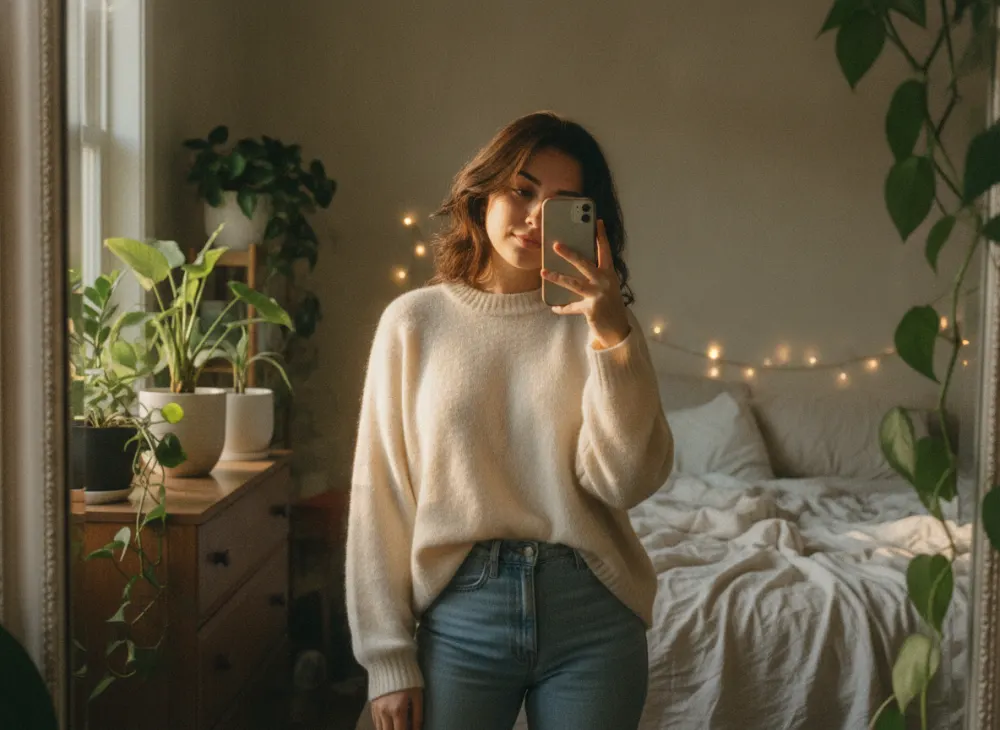
Unlike the feed, Instagram Stories come with collage tools built in — two of them, and they produce very different results. Layout mode gives you a tidy grid in four taps. The photo sticker gives you the scrapbook look that actually dominates Stories now: photos at angles, overlapping, mixed with text and GIFs. Here is how to do both, plus the third option nobody admits to using.
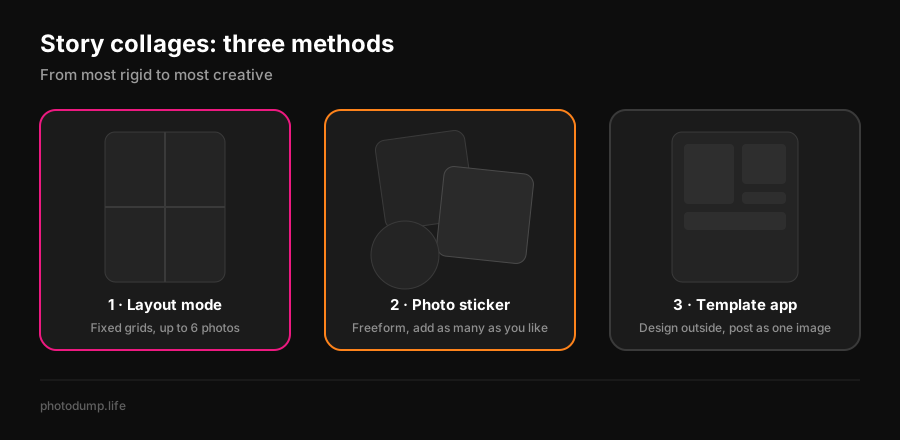
Method 1: Layout mode — the clean grid
- 1Open the Story camera (tap **+**, then **Story**, or swipe right from the feed).
- 2On the left-side toolbar, tap **Layout** (the icon of a split square).
- 3Tap the grid icon to pick a format — halves, thirds, quarters, up to **six sections**.
- 4Fill each section: take a photo with the shutter, or tap the gallery icon to pull one from your camera roll.
- 5Tap the checkmark, decorate if you like, and share to your Story.
Layout keeps every photo the same size in a fixed grid. That is its whole personality: fast, symmetrical, slightly formal. It is the direct descendant of the retired Layout app — that story is here if you are wondering where the app went.
Method 2: the photo sticker — the collage people actually make
The freeform Story collage is built from stickers, and it has one trick most guides skip: **you can add the photo sticker as many times as you want.**
- 1Start a Story with any base — a photo, or a plain background.
- 2Tap the **sticker icon** (square smiley face) at the top.
- 3Choose the **photo sticker** — the one showing your camera roll.
- 4Pick a photo. It lands on the canvas; pinch to resize, rotate with two fingers, drag anywhere.
- 5Repeat steps 2–4 for every photo. Tap a placed sticker to cycle its shape — rectangle, circle, star, heart, torn-edge.
- 6Layer in text, GIFs, music, and share.
Two refinements worth knowing. For a clean backdrop, take any photo, tap the **draw tool**, pick a color, and press-and-hold the screen — it floods the whole Story with that color, giving you a blank canvas for your stickers. And if your app shows **Add yours** or collage prompts in the sticker tray, those let followers pile their own photos onto the same theme, which is the closest Stories get to a group collage. Minter.io has a good rundown of the collage-style Story features Instagram has been testing.
There is no photo limit on stickers, but Stories are glanced at, not studied. Past six or seven photos each one becomes a thumbnail. If you are holding fifteen good shots, that is not a Story collage — that is a carousel, and the photo dump format exists precisely for it.
Method 3: template apps — when it should look designed
For event recaps, business Stories, or anything that needs aligned margins and a font that is not Instagram's, build the collage outside and post it as a single Story image. Canva and Adobe Express both have free Story-sized collage templates; CapCut does the same for video collages. Export at **1080 × 1920 px (9:16)** and keep anything important away from the top and bottom edges, where the profile ring and reply bar sit.
| Approach | Photos | Look | Time |
|---|---|---|---|
| Layout mode | 2–6 | Symmetrical grid | Under a minute |
| Photo stickers | No limit (6–7 is sane) | Freeform scrapbook | A few minutes |
| Template app | Whatever the template holds | Designed, on-brand | 5–10 minutes |
Picking the photos is the actual work
A Story collage takes ninety seconds once you know which photos go in. Finding them is the slow part, and it is what our PhotoDump app is for: it sorts your camera roll on-device — nothing uploaded anywhere — so the five shots worth collaging surface in minutes instead of an evening of scrolling. Then, if the collage needs words, steal something from the caption library.
Open the Story camera and either tap Layout on the left toolbar for a grid of up to six photos, or use the photo sticker (sticker icon, then the camera-roll sticker) repeatedly to place any number of photos freeform. Both are built into Instagram and free.
Layout mode takes up to six in a grid. The photo sticker has no hard limit — you can keep adding — but past six or seven photos a single Story starts to read as clutter.
Make sure you are in the Story camera itself (not the feed post flow) and that the app is updated — the left-side toolbar sometimes collapses; tap the down arrow to expand it. Layout has been standard for years, so an update almost always restores it.
Take any photo, choose the draw tool, pick a color, then press and hold on the screen. The color floods the whole Story, and you can place photo stickers on top of the clean backdrop.
Yes — the photo sticker is the better tool anyway. Add it once per photo from the sticker tray, then pinch, rotate, and layer. Or design the collage in a free template app like Canva and post the finished 1080 × 1920 image.
Stories are 1080 × 1920 pixels, a 9:16 vertical. If you build the collage in another app, export at exactly that size and keep key elements out of the top and bottom ~250 pixels, where the interface overlaps.